The Dynamic Arrays management is access through the "Dynamic Arrays" tab inside the "Configuration" section. Here you can create, duplicate, edit and delete Dynamic Arrays.
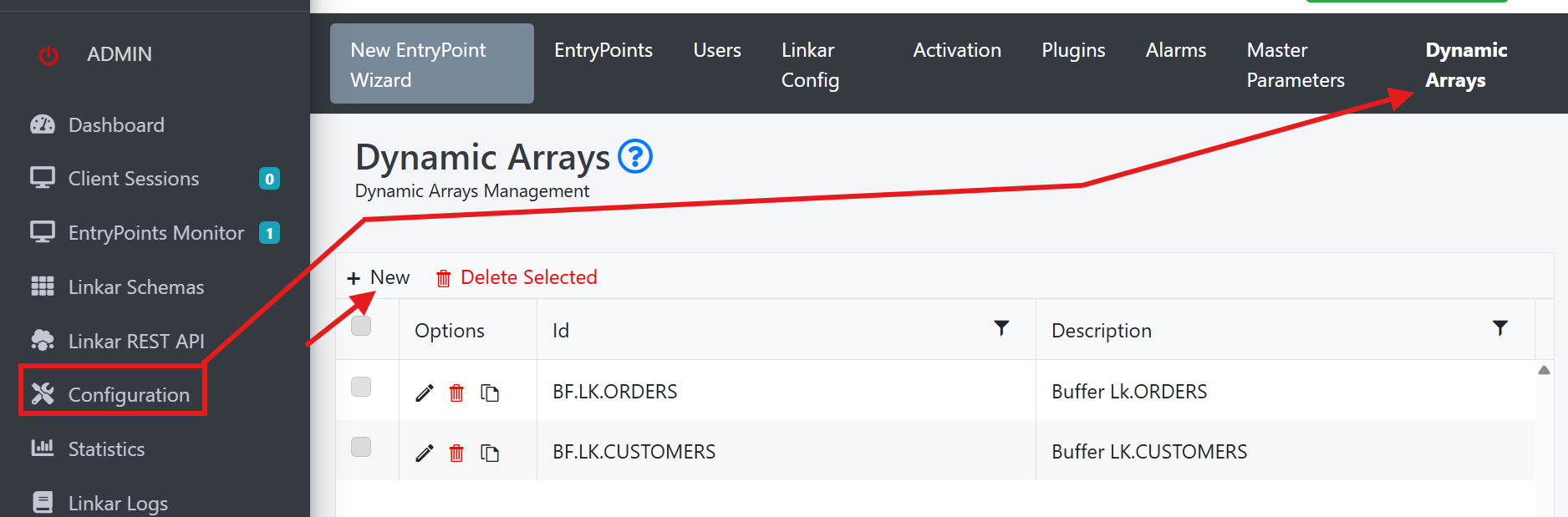
There will be no existent Dynamic Arrays at first. The last image shows 2 already created Dynamic Arrays. You can create a new Dynamic Array using the "+ New" button.
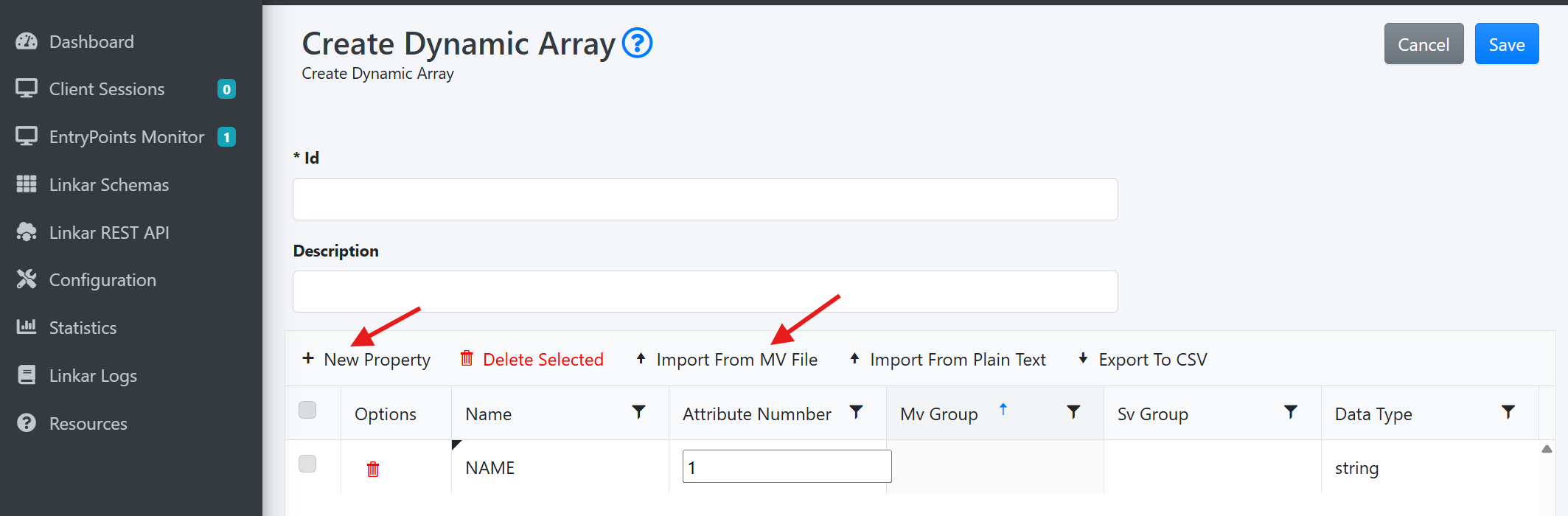
The following form will ask to fill in the properties, the attribute number, multivalue group, subvalue group and data type. Instead of typing the data manually you can import directly from an MV file using its dictionaries to map the properties. You can also import properties from a plain text file using comma, semicolon or tab as column separators.
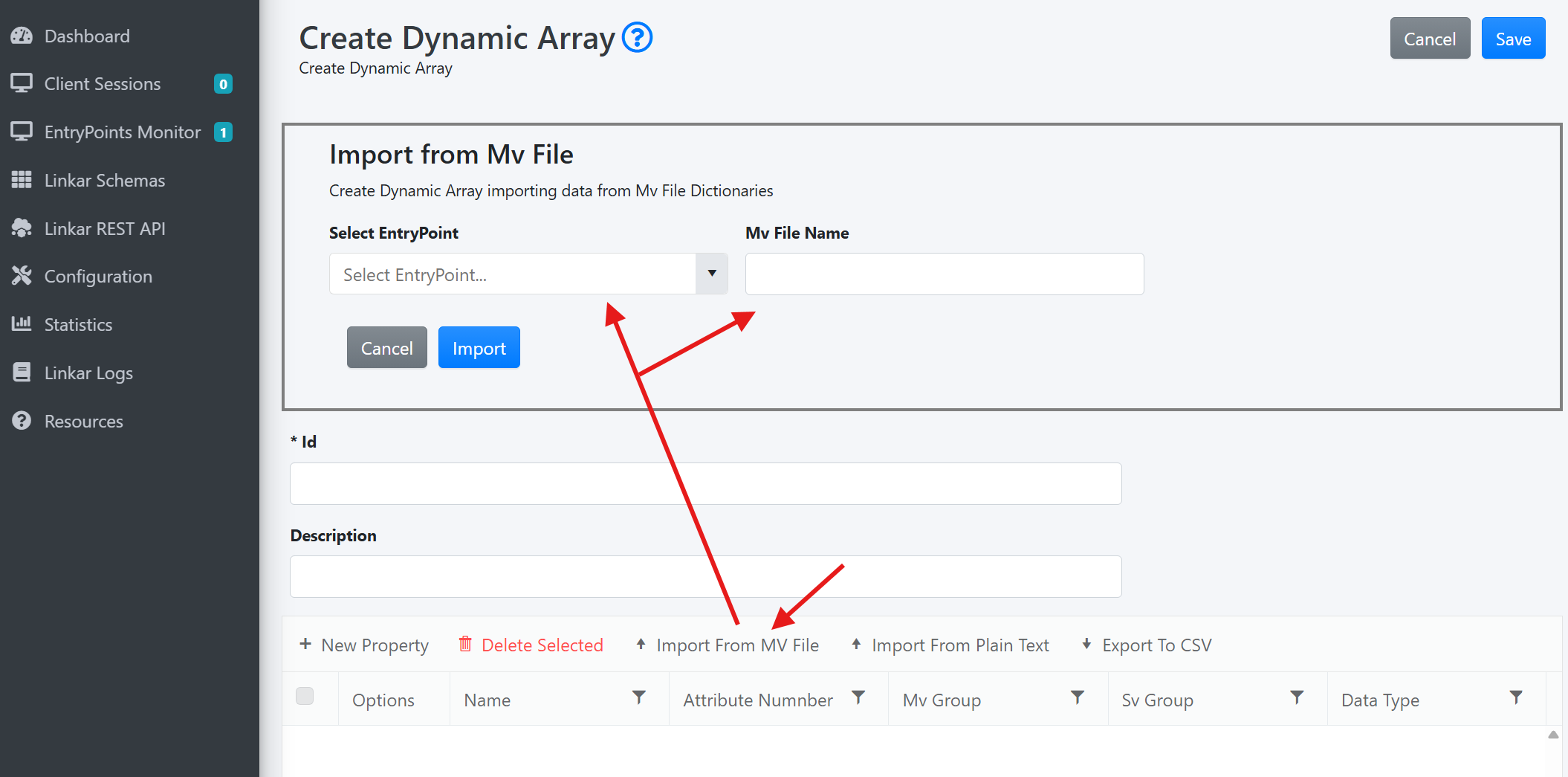
In order to import from an MV file you have to select a LinkarServer EntryPoint that is running and fill in the name of the file from which to import.
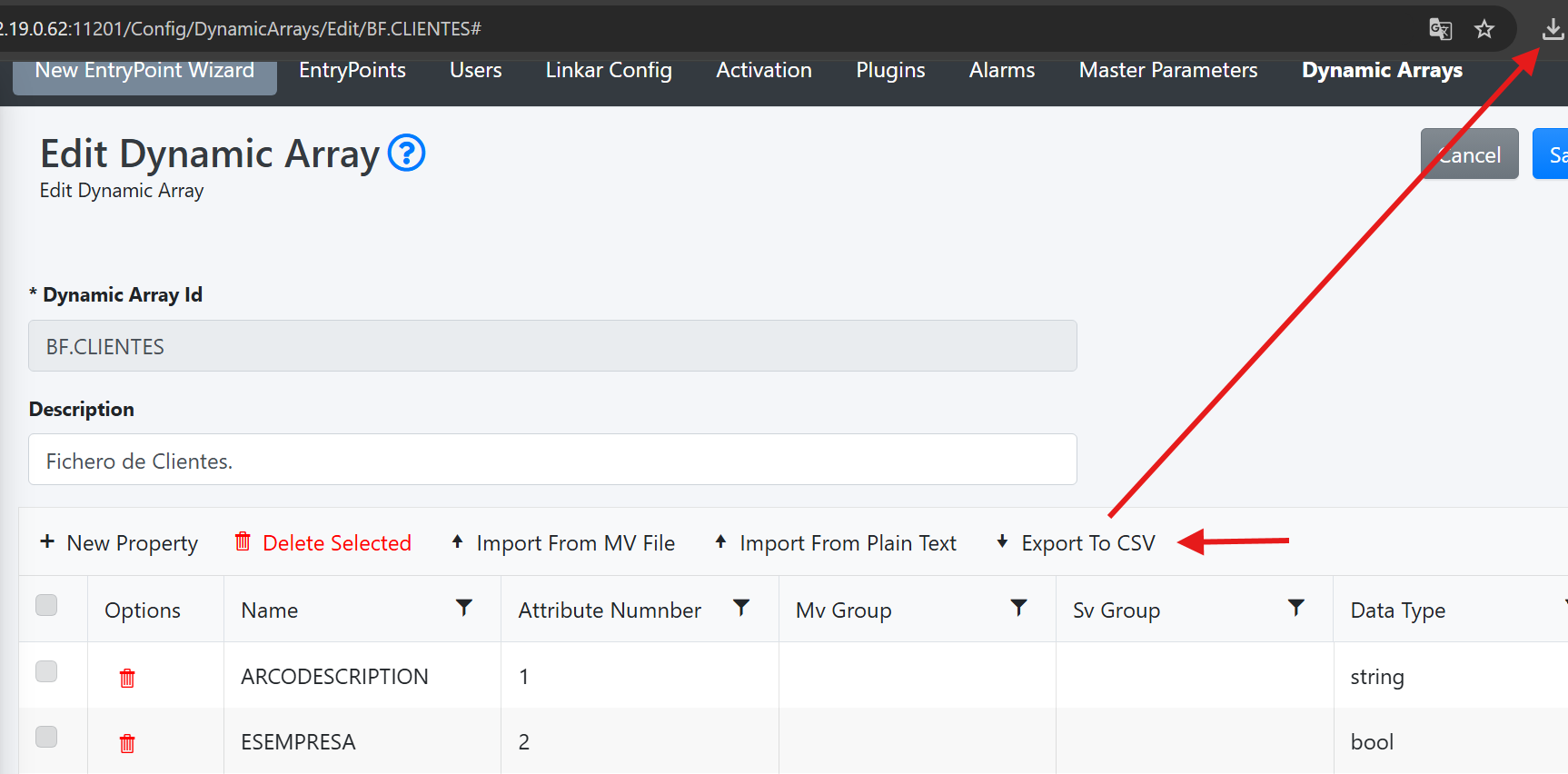
The "Export to CSV" button initiates a CSV file download with the DynamicArray's property data. Each DynamicArray property appears as a new line in the file and the columns are separated with the comma (",") character. The file will be saved with "Dynamic Array ID" as a name and will be found in the browser's download folder.